# Set up a CPU or GPU instance
Create an account and get a CPU or GPU instance up and running within a few minutes!
## Deploy New Instance
Click the **Deploy Instance** button on the top right of the **Instances** page.
### Choose instance type and contract
On-demand instances are available for **Pay As You Go** pricing (every 10 minutes deducted from your account balance) or long-term rentals. *Long-term rentals are paid fully up-front.*
Spot instances are only available for reduced **Pay As You Go** pricing because they can be evicted by Verda at any point without warning.
***
### Choose GPU or CPU model and size
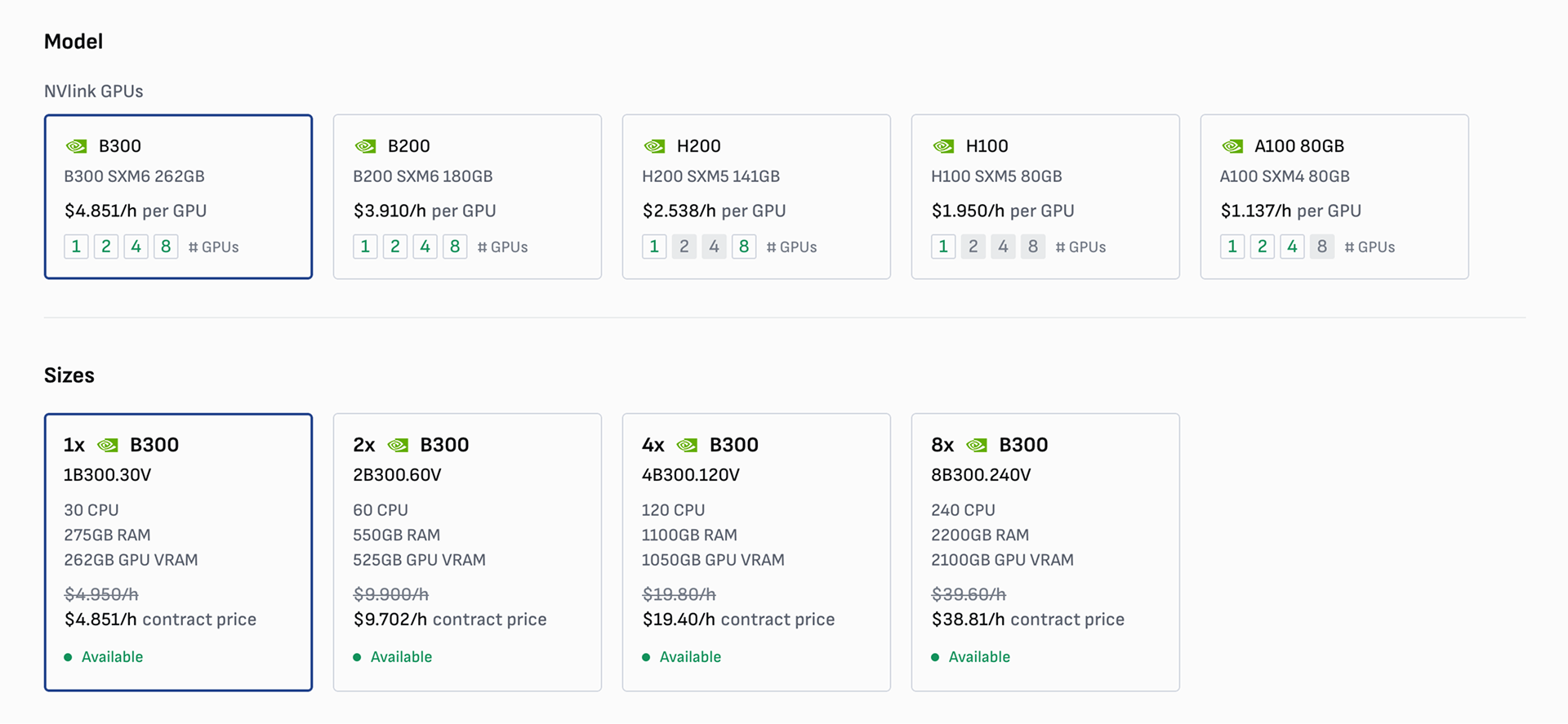
First choose the model you would like. You can see the available sizes on the bottom of each model card (grey are unavailable). After clicking the desired model, the size section will appear with specifications. Select your desired size or request to be notified when it is available by clicking the **Notify** button.
***
### Choose location
In most cases, the above choices will automatically select the location for your instance.\
Please note that all storage attached/shared to your compute must be in the same location.
[Learn more about our data center locations](https://docs.verda.com/welcome-to-verda/locations-and-sustainability)
***
### Configure the operating system
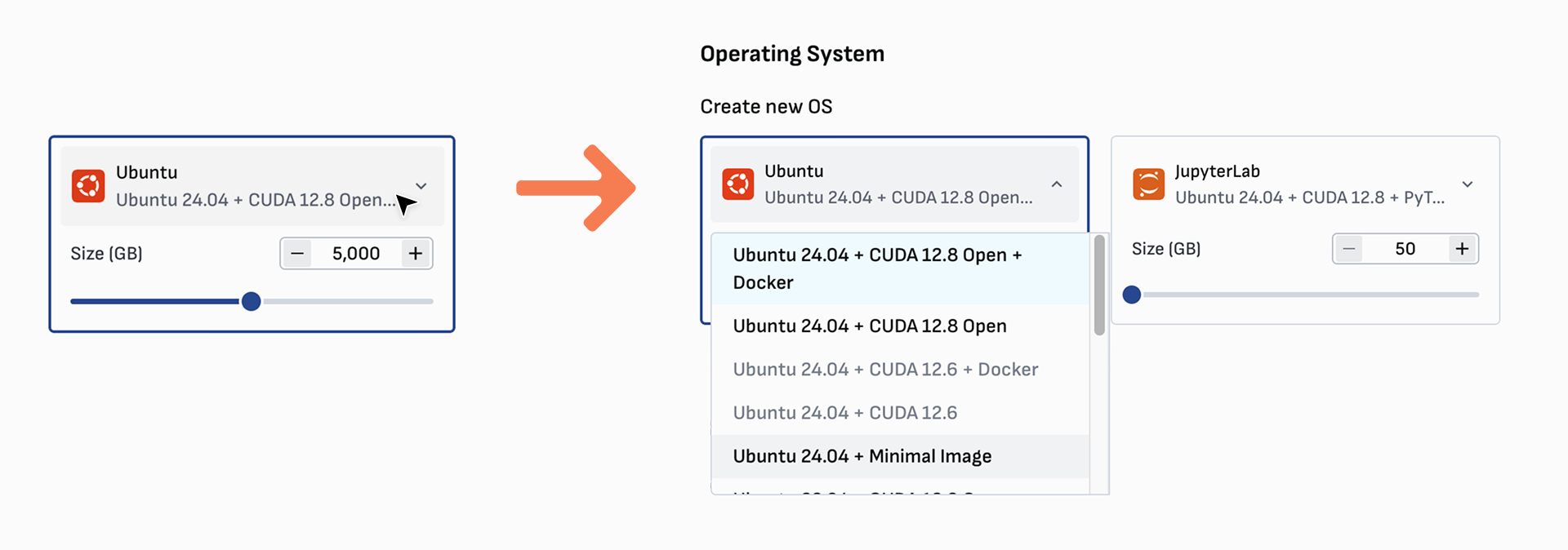
You can choose between Ubuntu and JupyterLab with various configurations. Click the menu to select your preferred image configuration.
***
### Add storage
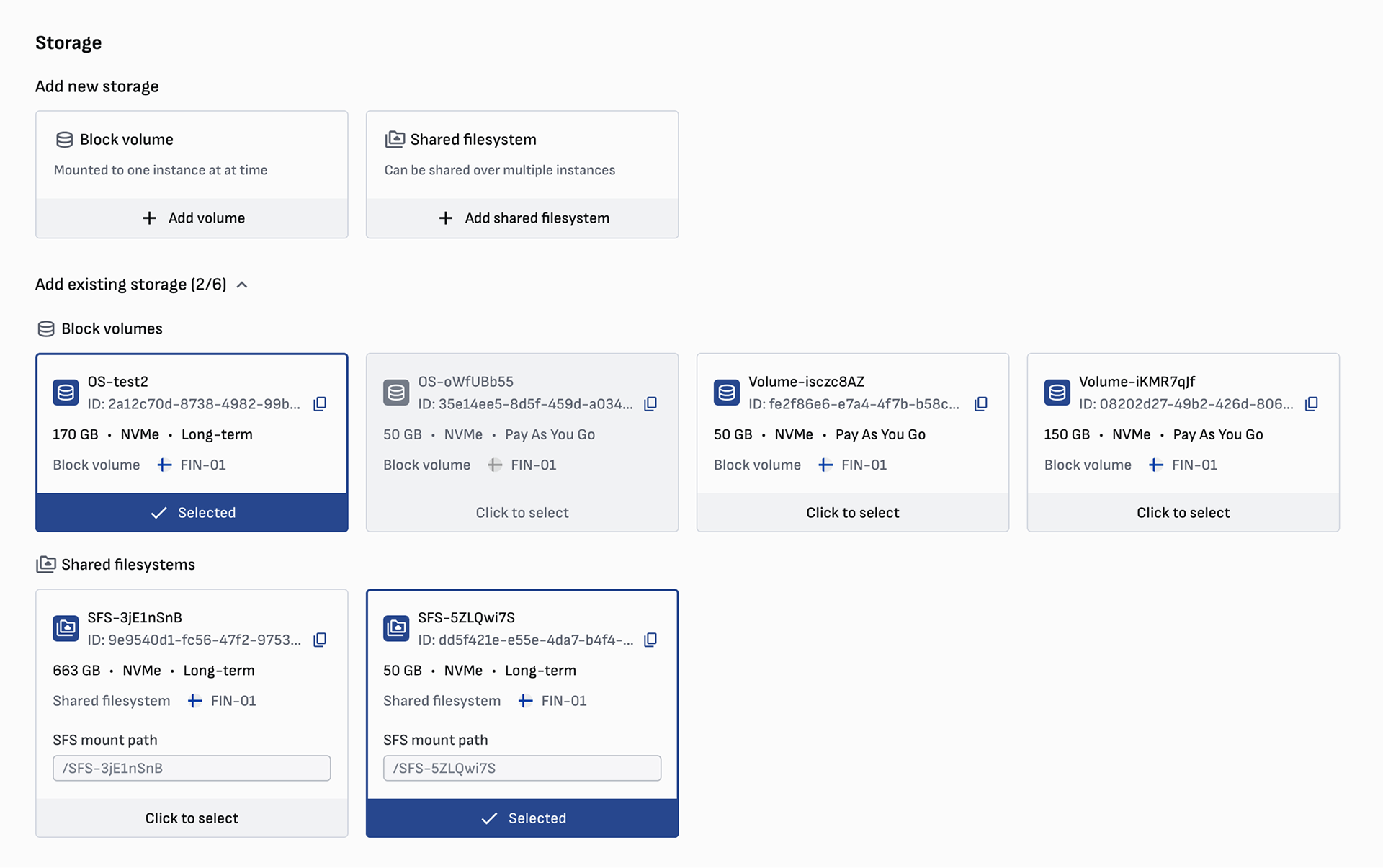
Create new storage by clicking the **Add volume** or **Add shared filesystem** buttons, or select existing storage by clicking **Add existing storage**.
Your block volumes must be detached in order to be attached to a new instance. Storage must be in the same location as the instance to be attached/shared.
***
### Choose or create SSH key
Add a new SSH key from the **Deploy instance** page or **Keys** page.\
View [Creating an SSH key](https://docs.verda.com/cpu-and-gpu-instances/creating-an-ssh-key).
***
### Load a startup script (optional)
A startup script is a bash script that runs automatically when you deploy your GPU instance for the first time. It's handy for automating tasks without having to SSH into the instance and run the script manually.
***
### Choose hostname and description
The **hostname** is a human-friendly name to help you recognize an instance. The **description** shows various information about what type of instance it is, including OS, GPU model, and location. These are automatically generated, but you can edit them to be anything you want.
{% hint style="info" %}
The hostname cannot be changed after deployment
{% endhint %}
***
### Review and Deploy
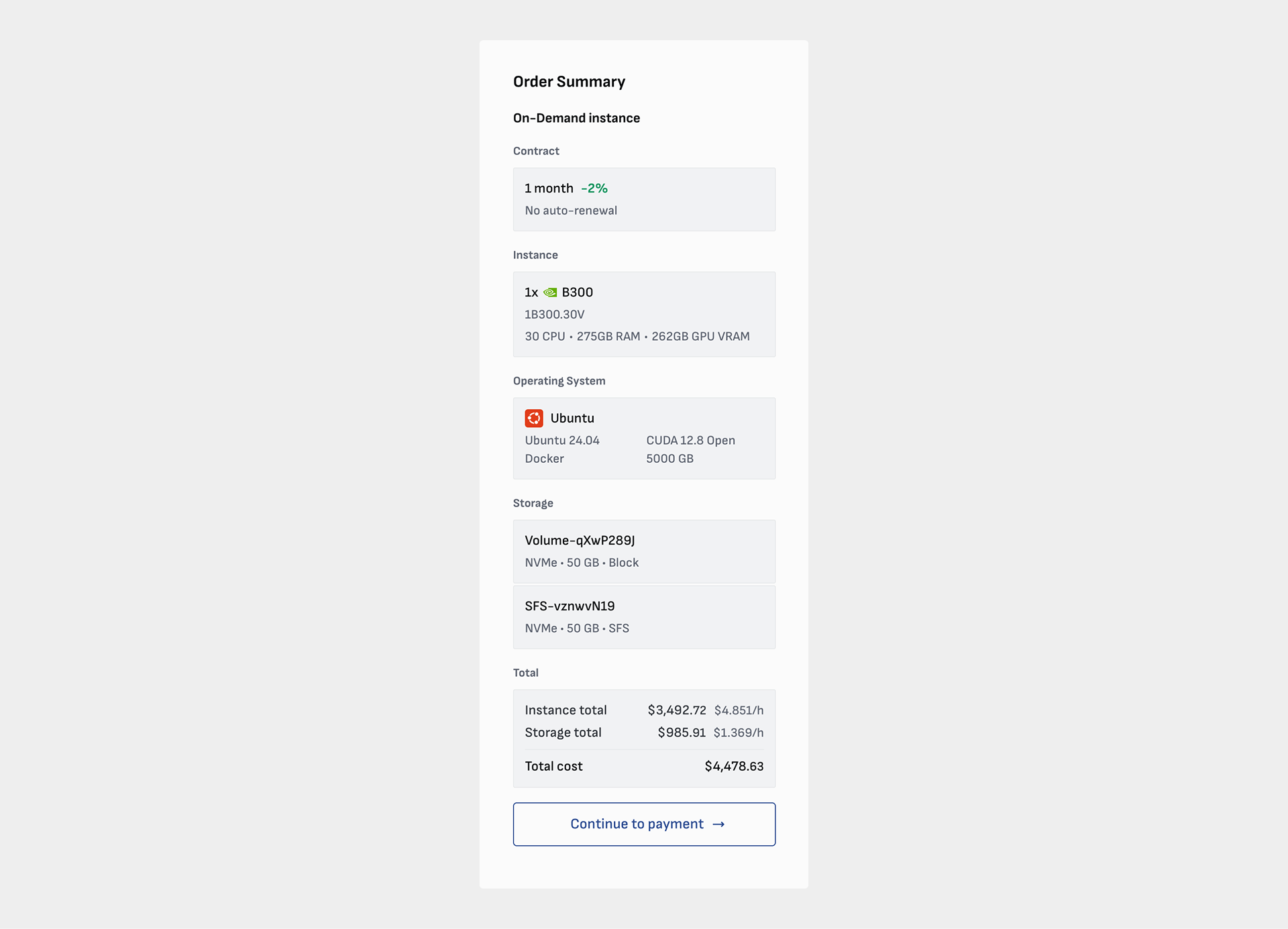
Review your order summary and click **Deploy now** or continue through the payment flow to deploy your instance. If you are ordering a long-term instance, you will pay for the full contract up front [view pricing and billing](https://docs.verda.com/welcome-to-verda/pricing-and-billing). For large-scale long-term contracts with monthly invoicing, please contact us via chat or .